

Task Board
A Kanban board for the building's management board — track tasks from idea to done, in columns you define.
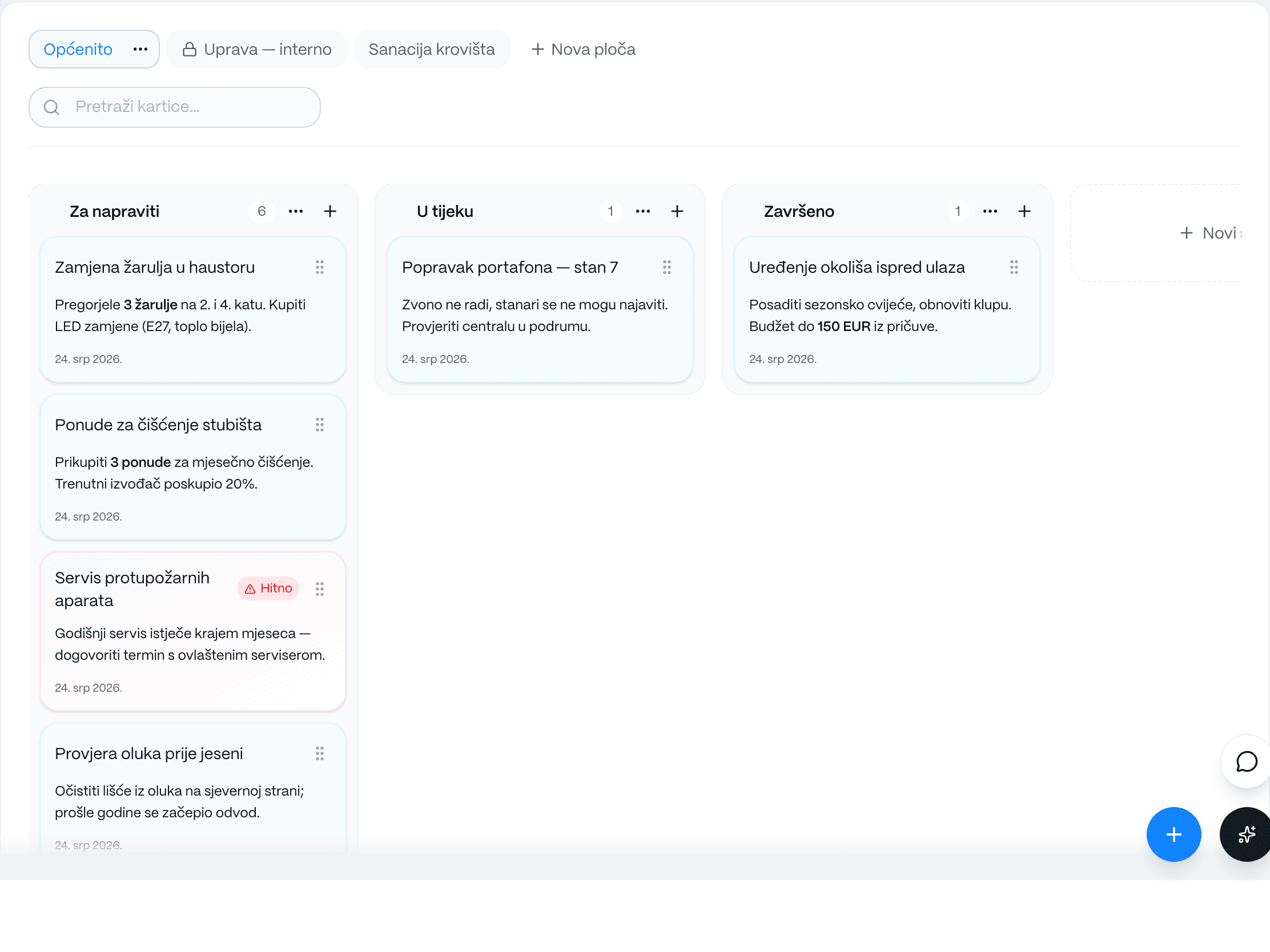
The task board is a shared Kanban board where the management board and co-owner representatives organize everything that needs to get done in the building. Create your own columns to match your workflow, add a card for each task — from a reported defect to a major renovation project — and drag cards along as the work progresses. Every card can carry a Markdown description, attachments and photos, a due date and a link to a calendar event. Instead of tasks scattered across chats, emails and paper, the whole team sees who is doing what, and at which stage, in one place.
What you get
How it works
Create columns that match your workflow (e.g. To do, In progress, Done)
Add a card for each task — with a description, attachments and a due date
Move cards between columns as the task progresses
Link a card to a calendar event when needed
Frequently asked questions
Who can use the task board?
The board is meant for the management board and co-owner representatives to organize building tasks. Visibility and editing depend on the roles and permissions set up in your building.
How is the task board different from the notice board?
The notice board publishes announcements to all residents. The task board is an internal Kanban tool for tracking work — from a reported defect to a completed repair, including projects and procurement.