

Roles & Permissions
Each role has clearly defined permissions — control without complexity.
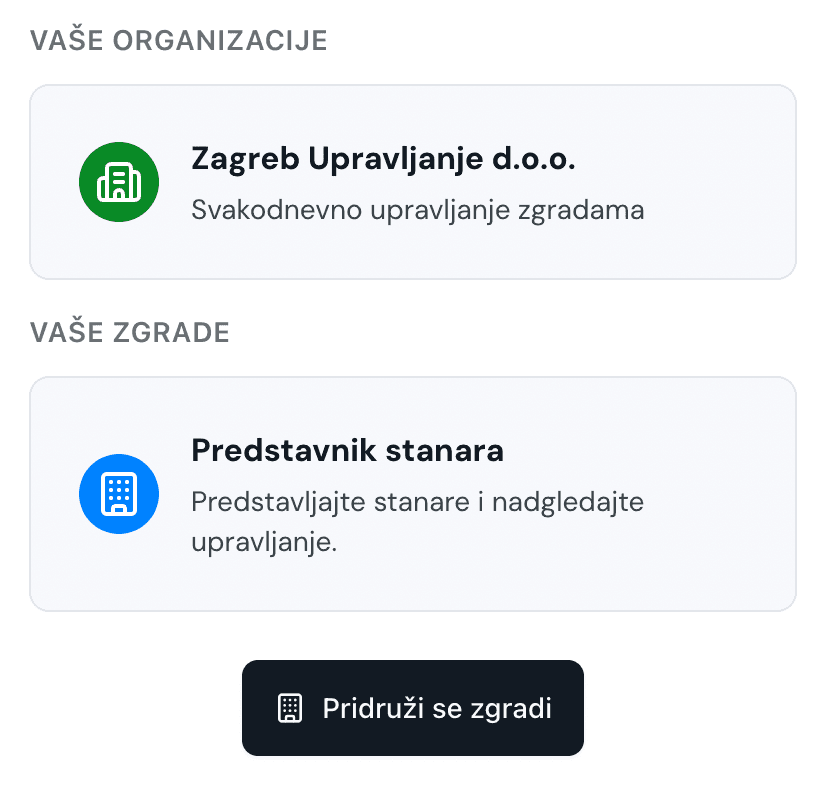
Flatie supports four roles per building: Building Manager (full access), Co-owner Representative, Deputy Representative and Co-owner. Each role has clearly defined permissions for content creation, approval, voting, financial management and document access. The manager can assign and change roles for other members. The system ensures each user only sees what they're authorized for — no unauthorized access.
What you get
Four access levels per building
Clearly defined permissions per module
Manager controls role assignment
No unauthorized data access
Flexible permission management
Role hierarchy for greater security
How it works
1
Building is created by the representative or manager — the creator automatically becomes manager
2
Manager or representative invites members and assigns roles
3
System applies permissions automatically
4
Each user only sees content for their role